Components
Everything a page of prose can use without importing anything. Each one is live, with the MDX that made it underneath.
Markdown
Plain Markdown covers most of a page: bold, italics, inline code,
links, and lists.
- A list item
- Another, with a link the arrow keys can reach
- Numbered lists work too
- And keep counting
A quote sits indented, with a bar beside it.
A smaller heading
Under a ## heading, which starts a new section and is a stop for the cursor.
Plain Markdown covers most of a page: **bold**, _italics_, `inline code`,
[links](/extras/style-guide), and lists.

- A list item
- Another, with a [link](/projects) the arrow keys can reach

> A quote sits indented, with a bar beside it.

### A smaller heading
Callout
An aside that should stand out. tone is note, tip or warning, and
title replaces the label.
<Callout>A plain note.</Callout>

<Callout tone="tip">Worth knowing.</Callout>

<Callout tone="warning" title="Before you start">
  Body text. Blank lines between paragraphs work here too.
</Callout>
ProjectCallout is the older version, with no title or tone.
<ProjectCallout>An older callout.</ProjectCallout>
Cards
A titled panel with an optional meta line and image. With an href the
whole card is a link. CardGrid puts them two across, and one across on a
phone.
The whole card goes to Projects.

A card can show a picture above its text.
<CardGrid>
  <Card title="Projects" meta="A link" href="/projects">
    The whole card goes to Projects.
  </Card>
  <Card
    title="With an image"
    meta="No link"
    image="/experience/wdcc.png"
    imageAlt="The WDCC logo"
  >
    A card can show a picture above its text.
  </Card>
</CardGrid>
Split
Markdown on one side and a picture on the other. side="left" swaps them,
align="center" centres the text, and caption goes under the picture. On a
phone the picture moves under the text.
Everything inside is ordinary Markdown, with bold and links.
A second paragraph.
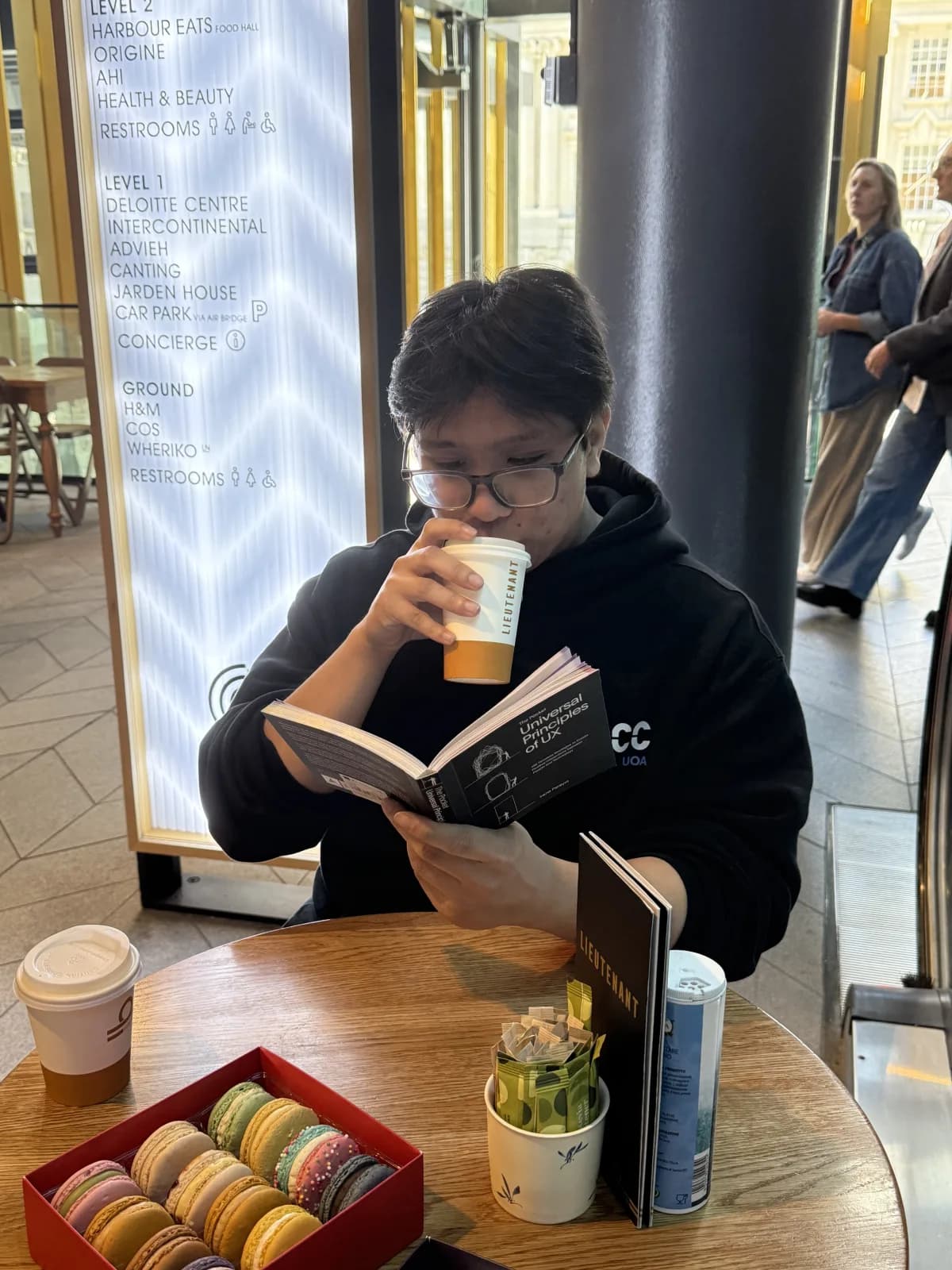
<Split image="/about/reading.webp" alt="Anton reading at a café table" caption="A caption">
  Everything inside is ordinary Markdown, with **bold** and [links](/about).

A second paragraph.

</Split>
Images
Markdown keeps a picture's own shape, and the quoted title becomes its caption.
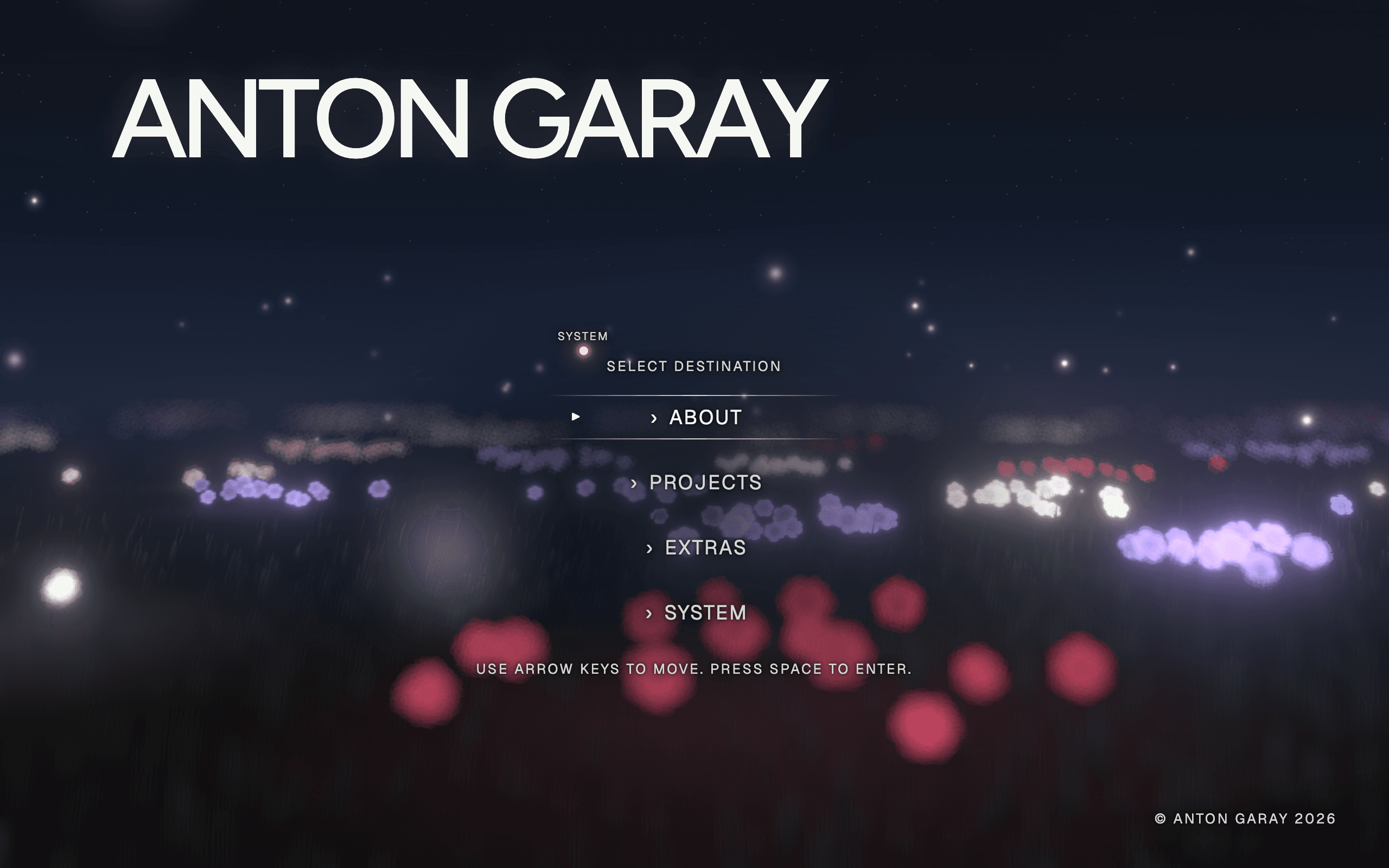 A Markdown image

ProjectImage crops to 16:10 so a run of screenshots lines up. crop={false}
shows all of it.
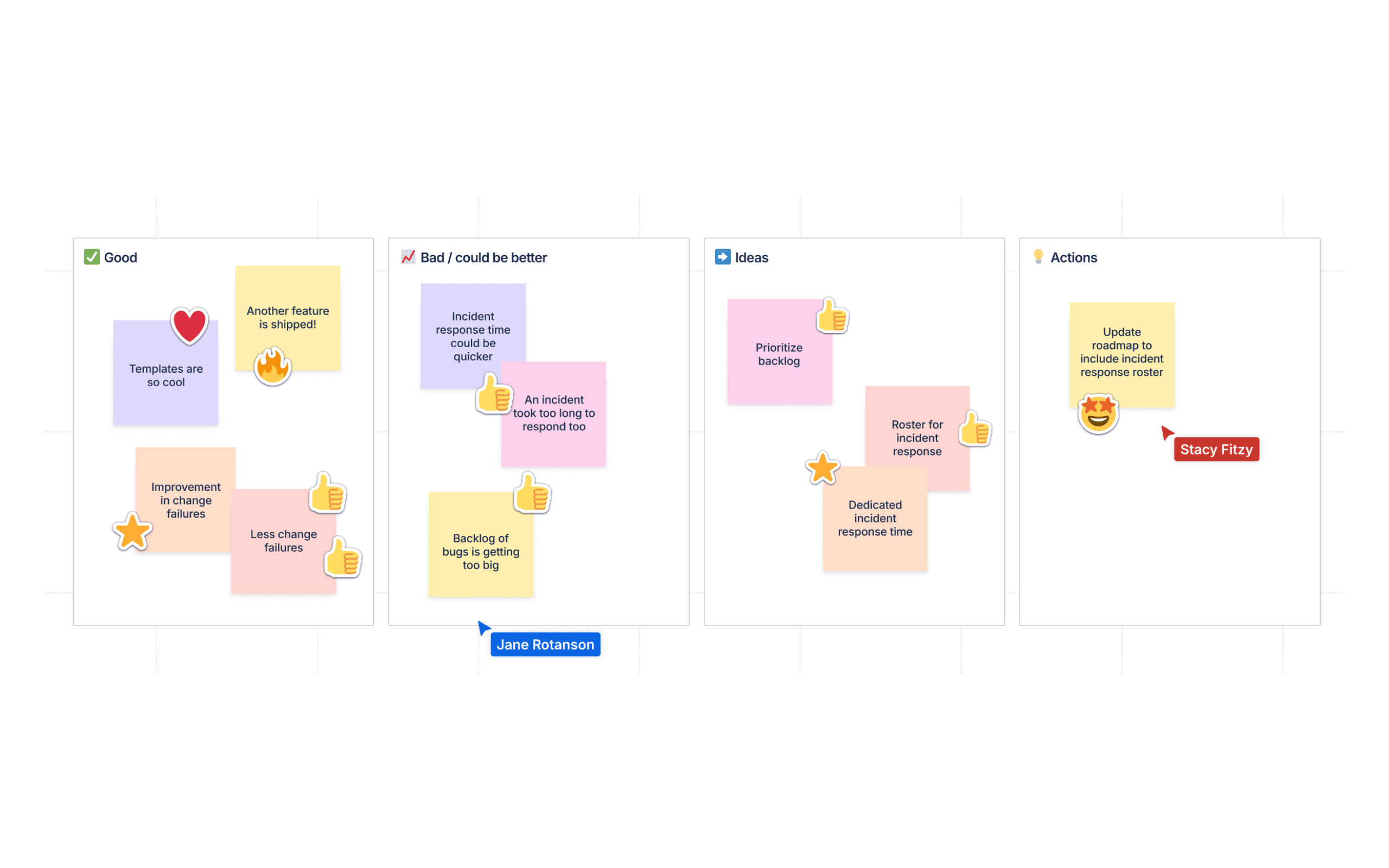
<ProjectImage
  src="/projects/whiteboards.png"
  alt="A retro board in Confluence Whiteboards"
  caption="Cropped to 16:10"
/>
Link preview
A link that shows a card about where it goes when you hover over it or select it, like my projects.
like <LinkPreview title="Projects" source="antga.dev" meta="This site" summary="The things I've made, this site included.">[my projects](/projects)</LinkPreview>.
Roles
A job in a list of them, with a logo. Roles in a row join into one list, and
the description opens while one is selected. Position splits a role into the
positions held there.
What this one involved.
And what came before it.
Without a logo, the company's first letter stands in.
<Role
  title="Example Role"
  company="WDCC"
  logo="/experience/wdcc.png"
  period="Feb 2024 to Dec 2026"
>
  <Position title="A later position" period="2025 to 2026">
    What this one involved.
  </Position>
  <Position title="An earlier position" period="2024 to 2025">
    And what came before it.
  </Position>
</Role>

<Role title="A role with no logo" company="Somewhere" period="2023">
  Without a logo, the company's first letter stands in.
</Role>
Live edits
A friend edits a word when the paragraph scrolls into view. step sets the
order. On About, line ties an edit to a friend's dialogue line instead of
by and to.
I'm always on time, which Sam corrected to fashionably late.
<LiveEdits>

I'm always <Edit step={1} by="Sam" to="fashionably late">on time</Edit>.

</LiveEdits>
Others
Before
After
const answer = 42;<ProjectBeforeAfter before="How it was." after="How it is now." />
<ProjectCode language="ts">const answer = 42;</ProjectCode>
<ProjectRelatedLink href="/projects/portfolio">
A link on its own line
</ProjectRelatedLink>